



How to Design a Better Website for Your Business

Many businesses are seeking online recognition. It does help them in attracting more and more target customers from far across the world. Certain things play important roles in achieving the desired recognition when it comes to online business. A good website is one of the most crucial areas to focus on. Meet all the criteria set by the search engines to attract more users to your site. Placing the website name and logo on every page can be very helpful. Make sure the logos link to the site’s homepage.
Remember that these need not be linked or connected to the current page. Creating a short and simple headline and title for each page may prove to be beneficial. Make it clear and straightforward. The site should look professional, load properly, contain useful information, and make it easy for visitors to move from one page to another. Good web design is not only about colors and graphics. Navigation, page structure, headings, links, URLs, and written content all affect how useful the website becomes. A few practical design choices can make a big difference.
Research Your Competitors before Planning the Design
A little research before designing your website can help you make better decisions from the start. Spend some time looking through competitors’ and other businesses’ websites in your industry. See how fast you can find services, products, contact details, and other key information. Look at the navigation, page layout, and clarity with which each website describes what the business does.
This gives you a sense of what customers might already expect when they arrive at a website in your industry. At the same time, you might notice confusing menus, crowded pages, or missing information that you can do better on your own site.Looking beyond visual design, an SEO competitor analysis can also reveal how competing websites structure their pages, target searches, and build visibility.
Make your business name and logo easy to find
The logo is normally in the same place on the website so that visitors can get used to it fast. Also, it’s good to link the logo back to the homepage. This provides visitors with an easy way to return to the main page without having to look for a separate Home link. Consistency is important here. Moving the logo, menu, or other important features to different places on each page can make the website less usable.
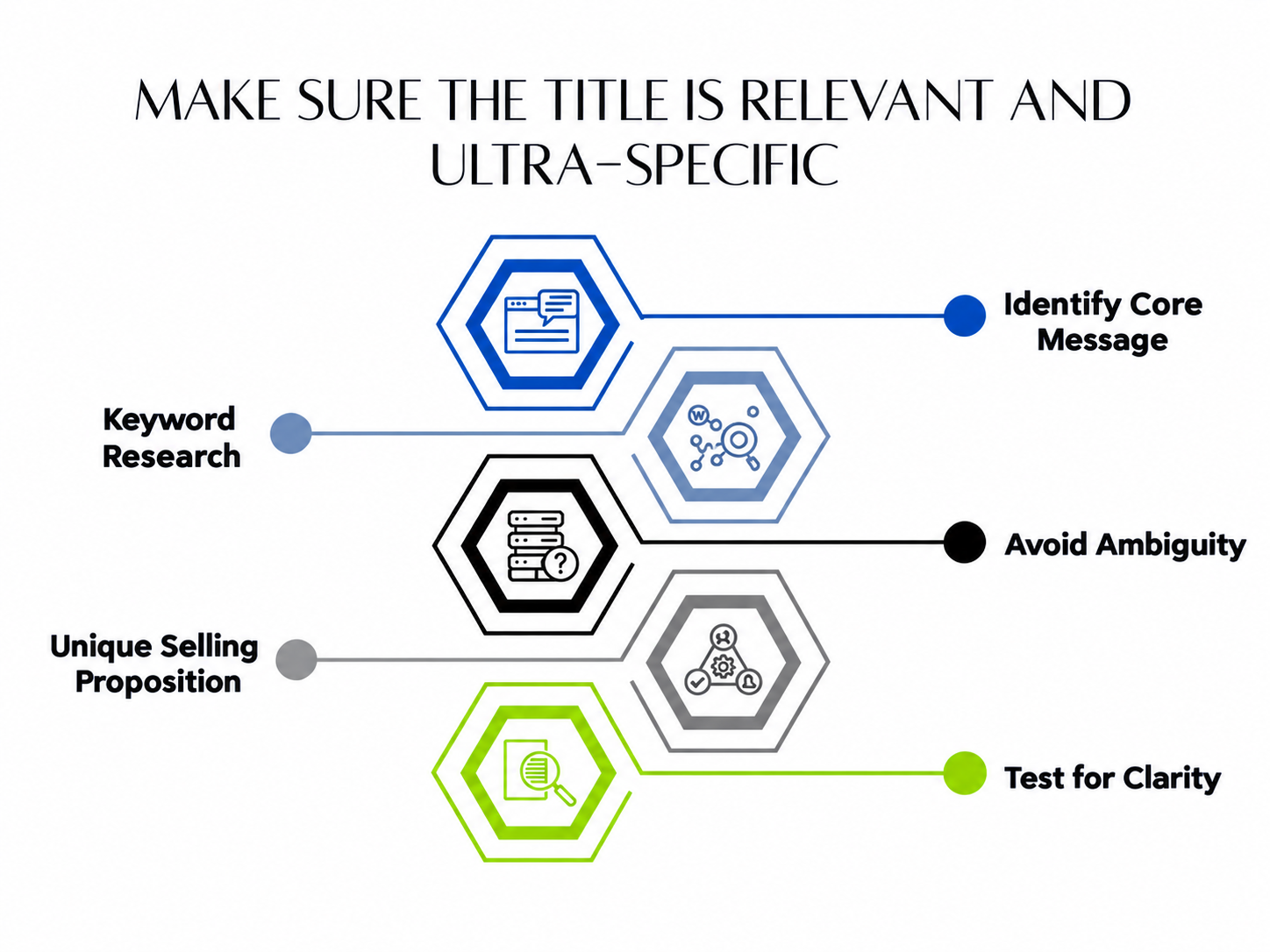
Give Every Page a Clear Heading and Title
Visitors usually scan a web page and then decide if they want to read it properly. They can tell right away from a clear heading what the page is about. Keep page titles short and punchy. Avoid complicated wording when a few clear words can explain the subject.
A heading such as “Our Website Design Services” tells visitors more than a vague one like “What We Can Do for You.” Individual pages are also given titles that are useful for search engines because they help describe the content of the page. The title of every important page should be what visitors will actually find there.
Build Navigation That Helps Visitors Find What They Need
Website navigation should make it easy for visitors to understand where they are and reach important information without unnecessary clicks. Keep the structure simple, with your most valuable pages easy to find from the main menu and other relevant sections of the site.Strong user-friendly navigation should make important pages easy to identify and reduce the number of steps visitors need to reach useful information.
Use clear, descriptive menu labels so that visitors know what to expect before they click. Natural internal links should also connect related pages to help people move from general to more specific services, products, or resources. This leads to a better browsing experience and allows search engines to better understand the structure of your website content.
Don’t have too many options on menus. Having a lot of choices may confuse visitors when they browse through the website. A clean site is a site with a well-organized structure, logical categories, and meaningful links that make the site cleaner, improve usability, and help people reach the information they need with less effort.
Build a Useful Site Map
Visitors can also see the structure of the website through a sitemap. It includes links to important pages and can be very helpful when the website has numerous pages. A small Web site will have just a single sitemap page. If there are many pages on a website, then separating the sitemap into different sections can make it easier to use.
The sitemap should have a clear structure rather than simply becoming a long collection of unrelated links. Good navigation should still remain the priority. A sitemap is helpful, but visitors should not have to depend on it just to find basic information.
Write Useful and Accurate Content
Design may attract attention, but useful information gives people a reason to stay. Every important page should clearly explain what the business offers. Avoid filling pages with unnecessary text simply to make them look complete. Visitors usually want straightforward answers. Creating content that builds trust can also help visitors feel more confident about the information, services, and business behind the website.A useful service page should explain what the service includes, who it may be suitable for, and how someone can learn more or make an inquiry.
Think about the words customers may use when looking for your products or services and include those terms naturally where they make sense. The content should always be written for people first. If the page sounds unnatural or repetitive, visitors may lose interest.
Use Text for Important Information
Images can make a website more attractive, but important information should generally remain available as normal text. Search engine crawlers may struggle to understand words placed entirely inside images. That means important business names, page headings, navigation links, or service information should not depend only on graphics.
When an image is necessary, use descriptive ALT text. ALT attributes provide a short description of the image and can also be useful when the image cannot be displayed. Image descriptions should be accurate rather than filled with unrelated words.
Keep Page Titles and Image Descriptions Clear
The <title> element of a webpage should describe the page accurately. Do the same with ALT attributes used for images. Avoid vague page titles such as “Page 1” or “Welcome.” A visitor and a search engine should understand what a page contains from its title.
The same rule applies to image descriptions. If an image shows a particular product, the ALT text should describe that product instead of using a generic phrase such as “image.” Small details like these help make the website more organized.
Check Links and HTML Carefully
Broken links can quickly make a website feel neglected. Visitors may click on a service, product, or contact link only to reach an error page. This interrupts their journey and may cause them to leave. Check links regularly and make sure they lead to the correct destination. The HTML behind the website should also be properly structured. Incorrect code can create layout problems, broken elements, or differences between browsers. Testing the website before launch can help catch many of these issues.
Keep URLs Simple
Simple URLs are easier to read for visitors and search engines. Page names should describe the content as clearly as possible. A simple URL is usually better than a URL with a long string of numbers, symbols, or unnecessary parameters. Sometimes dynamic pages contain characters such as question marks and multiple parameters. Certain search engine spiders might have a harder time crawling complex dynamic URLs. Keeping parameters short and limited can help. Clear URLs are also easier for users to remember and share.
Use a Clean Design
A website does not need a large number of visual effects to look professional. In fact, too many colors, graphics, backgrounds, or font styles can distract people from the information they came to find. A clean background and readable font often work better. Keep enough space between sections so that the page does not feel crowded. Make important buttons and links easy to recognize, and keep the same basic visual style across the website. The design should guide attention towards the content instead of competing with it.
Make Important Information Easy to Reach
Visitors should be able to find your most important information quickly. The homepage should provide a clear introduction to the business and links to major sections of the website. Internal pages should also make it easy for people to move elsewhere. For example, somebody reading about a particular service should be able to reach the contact page or a related service without returning to the homepage first. Think about the path a visitor is likely to follow and make that journey simple.
The Bottom Line
A good website should look attractive, but appearance is only one part of the job. Clear navigation, useful content, proper links, simple URLs, readable text, and well-organized pages all help visitors use the website comfortably. The best approach is usually to keep things straightforward. Give people the information they came for, make important pages easy to reach, and remove design elements that add confusion without adding value.
A well-designed website can give a business a more professional look and provide an easier way for potential customers to understand the products or services. Professional web designing service help to create a site that looks professional and works smoothly for the people who are visiting it if your website needs a clearer structure, stronger design, or better usability.
Comments
Author Details

Ashwani Kumar Sharma
Ashwani has been actively involved in SEO services since 2005. His expertise and distinctive work approaches have made him one of the most experienced and trusted SEO experts in the industry. He is a certified SEO and Google Ads professional. He also has strong business development skills in advanced SEO, PPC, and digital marketing strategies.


Very nice article, just what I needed.