



Post Penguin On-page SEO Practices


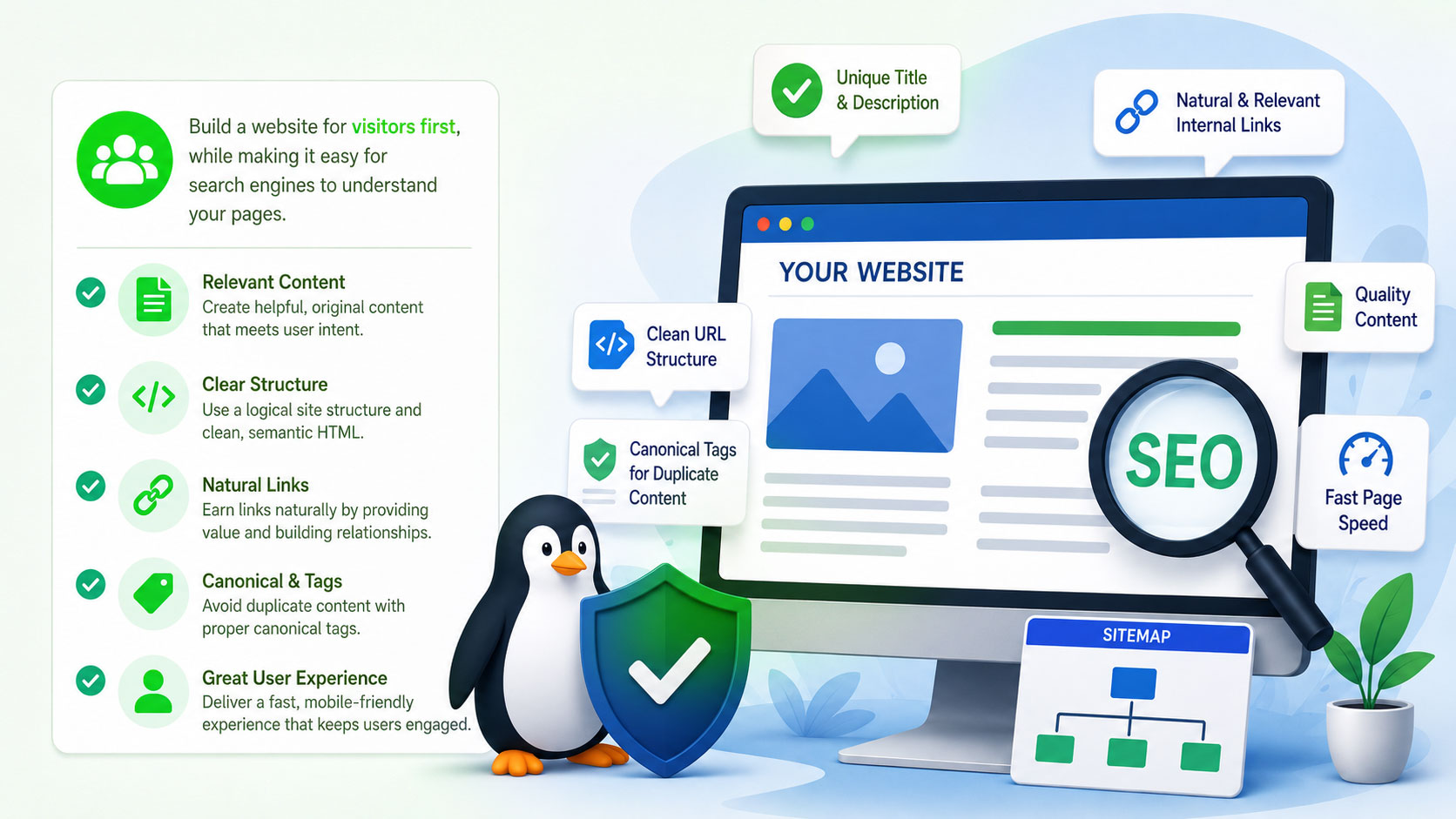
Google has described the Penguin update as a “web spam” update. Because of this, website owners need to be more careful about optimization methods that may look unnatural or overly aggressive. A website should be created for visitors first, while still making it easy for search engines to understand its pages.
This starts by optimizing your website to be relevant and natural through on-page optimization. Instead of stuffing keywords into everything, concentrate on useful content, a clear page structure, natural links, and a website that is easy to browse.
Get Rid Of Over-Optimization in Page Titles
Search Engines punish sites that try to “keyword stuff” their titles with too many keywords. Check the title of each page on your website for over-optimization. Change the titles of your pages to be optimized for human readers, rather than for search engines.
Create Unique Title and Description Tags for Each Page
Every important page needs a title and description. These must clearly indicate the purpose and subject of that page. If you have the same title or description on multiple pages, it can be hard for search engines to know which page to show for a specific search query. The problem of duplicate content was already a big problem after the Google Panda updates, so keeping the page information unique helps to keep a cleaner website structure.
Descriptions should be written in a natural way, too. They should provide users with a useful reason to visit the page, rather than just regurgitating keywords.
Canonical Tags to Manage Duplicate Content
Sometimes the same content can be found at different URLs. This can happen when you are tracking parameters, category pages, print versions, or other URL structures. A canonical tag can help search engines understand which version of the page you consider the ‘main’ one. This can be helpful in cases where duplicate URLS cannot be eliminated. But be careful with canonical tags. They should indicate the correct preferred page, and not be added randomly to unrelated pages.
Rethink your Internal links
Internal links are links to related pages that help search engines understand your site’s structure. But there can be issues if all the internal links have the same keyword-rich anchor text. Don’t cram target terms into every link; use a natural mix of descriptive, branded, and generic language. Anchor text needs to be relevant to the sentence and give users an idea of what they will find if they click through.
Make URL Structures Simple and Search Friendly
A clean URL is more user- and search-engine-friendly. Where possible, use short descriptive URLs instead of long addresses with unnecessary numbers, symbols, or parameters. A URL should make it clear what the page is about pretty quickly. Changing established URLs without a good reason can cause other problems, so established pages should only be changed if there is a clear benefit and proper redirects can be arranged.
Remove Thin/Repeated Page Content
Pages should exist if they provide real value to visitors. Check your website for pages with only a few lines of content, duplicate content that is located elsewhere or content that seems to have been created just to target a slightly different keyword. Add useful information to these pages where relevant, merge similar pages, or delete pages no longer serving a clear purpose.
Ensure Your Site Has the Right Components
There are some simple things you can do to help visitors and search engines better understand your website, including:
- A sitemap page to help visitors find important sections of your website.
- An XML sitemap to help search engines find important URLs.
- A transparent privacy policy.
- A contact page with actual business contact information.
- Easy navigation between key sections.
These may sound like simple things to do, but when combined they help to build a more complete and reliable website.
Make Useful Links between Pages on Your Site
The safest way to create internal links is to add them where they are of real help to the reader. For instance, if you have a topic that you mention on one page, but explain in more detail on another page of your site, you can naturally link to that page. A common example is Wikipedia. Useful internal links can be used to link together related information.
Accelerate Your Site Downloads
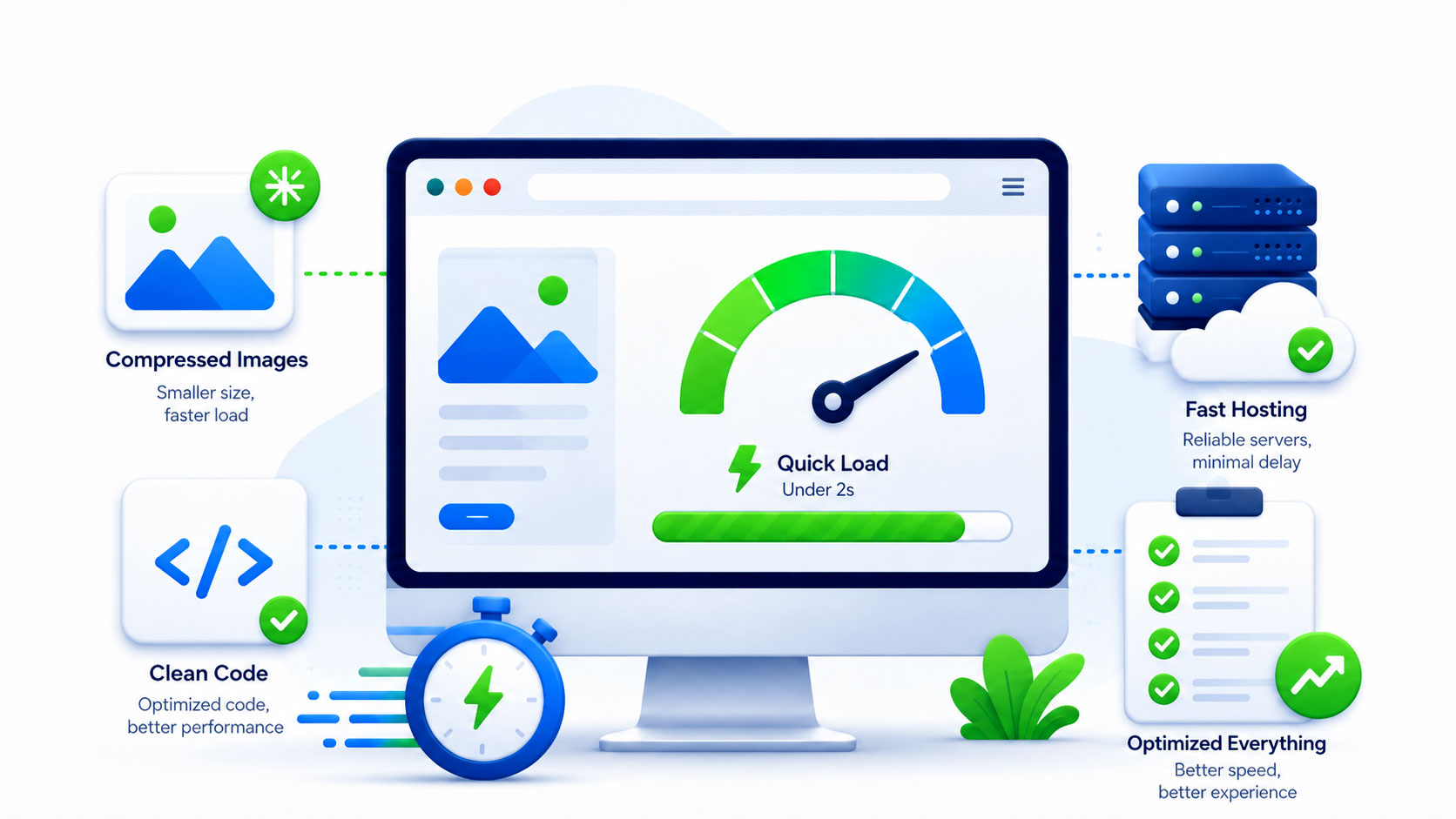
Check if large images, unnecessary scripts, heavy design elements, or poorly configured hosting are slowing down important pages. You can make the website easier to use by downsizing images, cleaning up unnecessary code, and improving server performance. Faster pages can also help visitors navigate several sections of your site.
Make Your Important Content Easy for Google to Crawl
Do not hide important content under complex navigation, or create pages that can only be reached through a form or through difficult scripts. Normally, important pages should be reachable via normal links from other parts of the website. Clear site structure also allows users to progress from general pages to more detailed information without getting lost.
Create a Helpful 404 Page
When your server cannot find a page that your visitor is looking for, you should handle this ‘404 Not Found’ error in an elegant and useful way. This could include your home page or your site map. Avoid redirecting all your 404 traffic to a single location such as your home page, as this can be seen to be a search engine trick for which your site may be penalized.
Optimize your images for humans
For each image on your site, you should include alternative text using the alt attribute. It is very important not to fill your alt tags with keywords. This is known as ‘keyword stuffing’ and can have a negative impact on your rankings. Instead of trying to stuff keywords in your alt tags, you should take the approach of creating a brief description of the image that would help a visually impaired person using a screen reader to understand what the image depicts and how it relates to your content.
Find Duplicate URLs & Preferred Versions of Pages
Sometimes the same page can be displayed by a website via different addresses. Examples are URLs with tracking parameters or different versions of the same page. Choose one preferred version if possible and keep your internal links consistent. Redirect duplicates where appropriate or use canonical tags where multiple URLs need to be available.
Add rel=”nofollow” to all comment links and outgoing links
Be sure to configure your content publishing software to automatically add the rel=”nofollow” attribute to all comment and outgoing links. This will prevent you from passing your reputation to other sites. More importantly, it prevents you from being penalized for linking to sites that Google considers to be low quality or spammy.
Add a Social Dimension
Social media had become an important part of online publishing by 2013. You should give visitors simple ways to share useful content on Facebook, Twitter, Google+, and other networks that can help your pages reach a wider audience. Social sharing can bring referral traffic, help more people discover your content, and increase the chances of useful pages being discussed or linked to elsewhere.
The main focus should still be on creating content that people actually want to share rather than simply adding as many social buttons as possible.
Focus on Keeping People on Your Site
Google Analytics can help you understand what visitors do after arriving on your website. One metric to review is bounce rate, which shows the percentage of visitors who leave without viewing another page. A high bounce rate does not always mean a page is poor. Someone may find exactly what they need on one page and then leave. However, unusually high bounce rates on important pages can still indicate problems with content, usability, speed, or relevance.
Check Google Webmaster Tools for Site Problems
Google Webmaster Tools is a useful free service for checking whether Google is having trouble crawling or understanding your website. It can help identify issues such as crawl errors, missing pages, duplicate title tags, sitemap problems, and other technical concerns.
Review the account regularly and correct problems when they appear. Fixing these issues can help search engines access your site more efficiently and can prevent small technical problems from becoming larger ones.
Keep Your Optimization Natural After Penguin
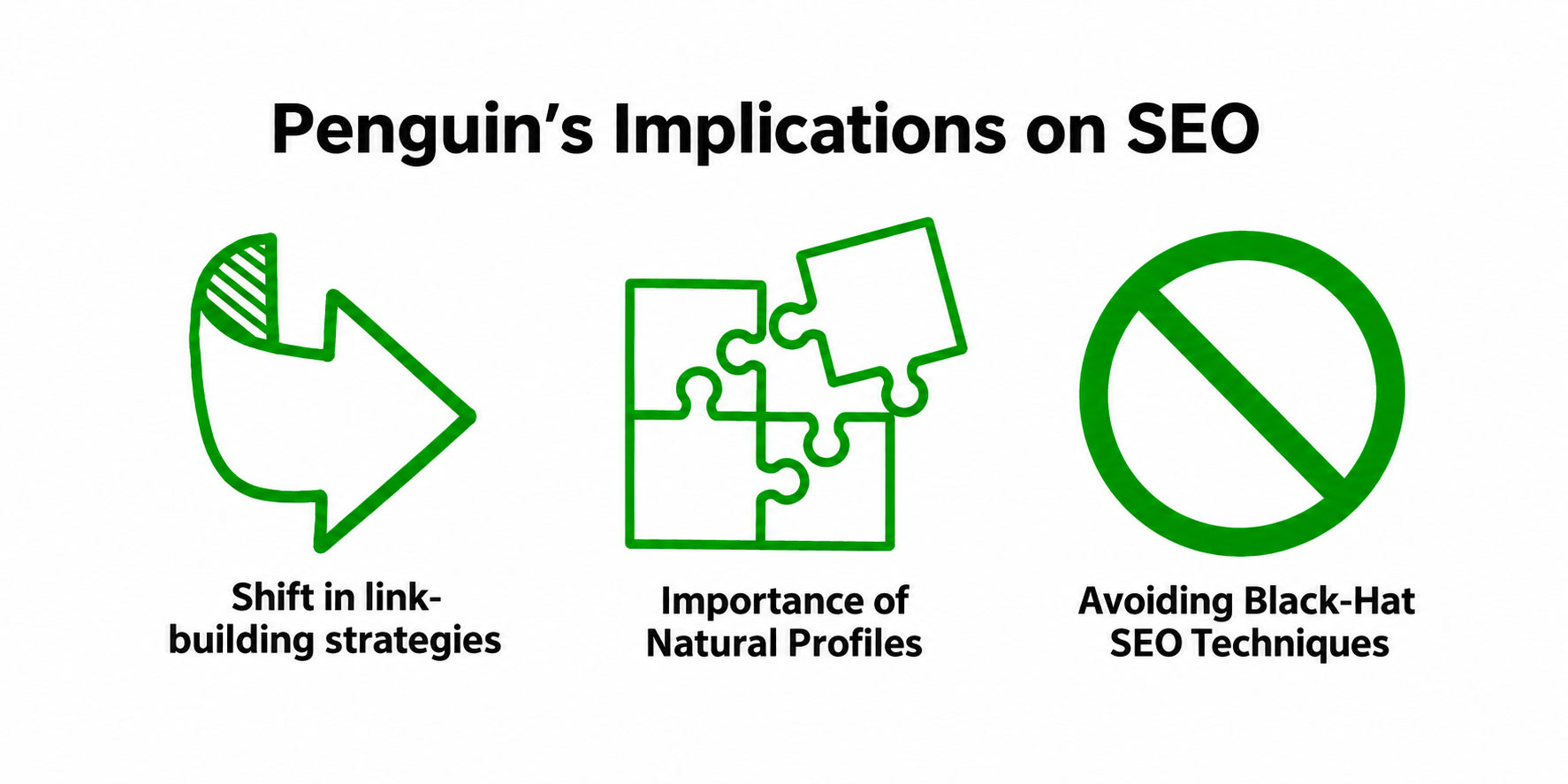
The biggest lesson from the Penguin era is that SEO should not appear forced. Search engines are getting better at recognizing patterns that are primarily designed to game rankings. Good on-page optimization should make a website easier for people to understand, navigate, and use. Titles should be readable, links should be useful, content should be original, and keywords should match the subject naturally.
Practices like keyword stuffing, repetitive anchor text, thin pages, and artificial optimization will make it harder for businesses to sustain consistent rankings. A more clean and user-centric approach is a better foundation for long-term search visibility for a website.
If you need help looking over your site’s on-page optimization, structure, content, or tech SEO, our professional SEO team can help pinpoint areas that might be holding back its search performance. We focus on practical improvements that make websites easier to understand for visitors and search engines.
Comments
Author Details

Ashwani Kumar Sharma
Ashwani has been actively involved in SEO services since 2005. His expertise and distinctive work approaches have made him one of the most experienced and trusted SEO experts in the industry. He is a certified SEO and Google Ads professional. He also has strong business development skills in advanced SEO, PPC, and digital marketing strategies.


Hi colleagues, its great piece of writing regarding teachingand entirely explained, keep it up all the time.